//: Weekly.Huddle.1
Welcome to the Jungle
Welcome to the first edition of the “Weekly Huddle” – a chance for me to share some of the fun things I’ve found over the last week.
These emails will be chock full of knowledge, tutorials, resources, and other things to help you be a better WordPress user and developer.
This week, the topics center around WordCamp US – the definitive annual gathering of WordPressers to share code, drinks, and swag. I ended up with more t-shirts than I could actually bring home.
(that’s a lie. I brought every t-shirt home. I’m a sucker for a good tech t-shirt, especially if it’s comfortable. At one point in my life, all my shirts were either from conferences or concerts.)
WordCamp US: Epilogue
Last year’s WordCamp was met with quite a bit of… let’s say, drama. Several conference goers reminisced that after the previous year’s Keynote, they felt discouraged and deflated. This year’s was a complete 180º turn: people left feeling hopeful and ready to make WordPress awesome.
While the conference itself was more lightly attended (~1100 attendees compared to the 1800 anticipated), you could tell that the people there were passionate about WordPress. The hallways were filled with conversations about Gutenberg, hosting, plugins… whatever WordPress can do, it was being talked about.
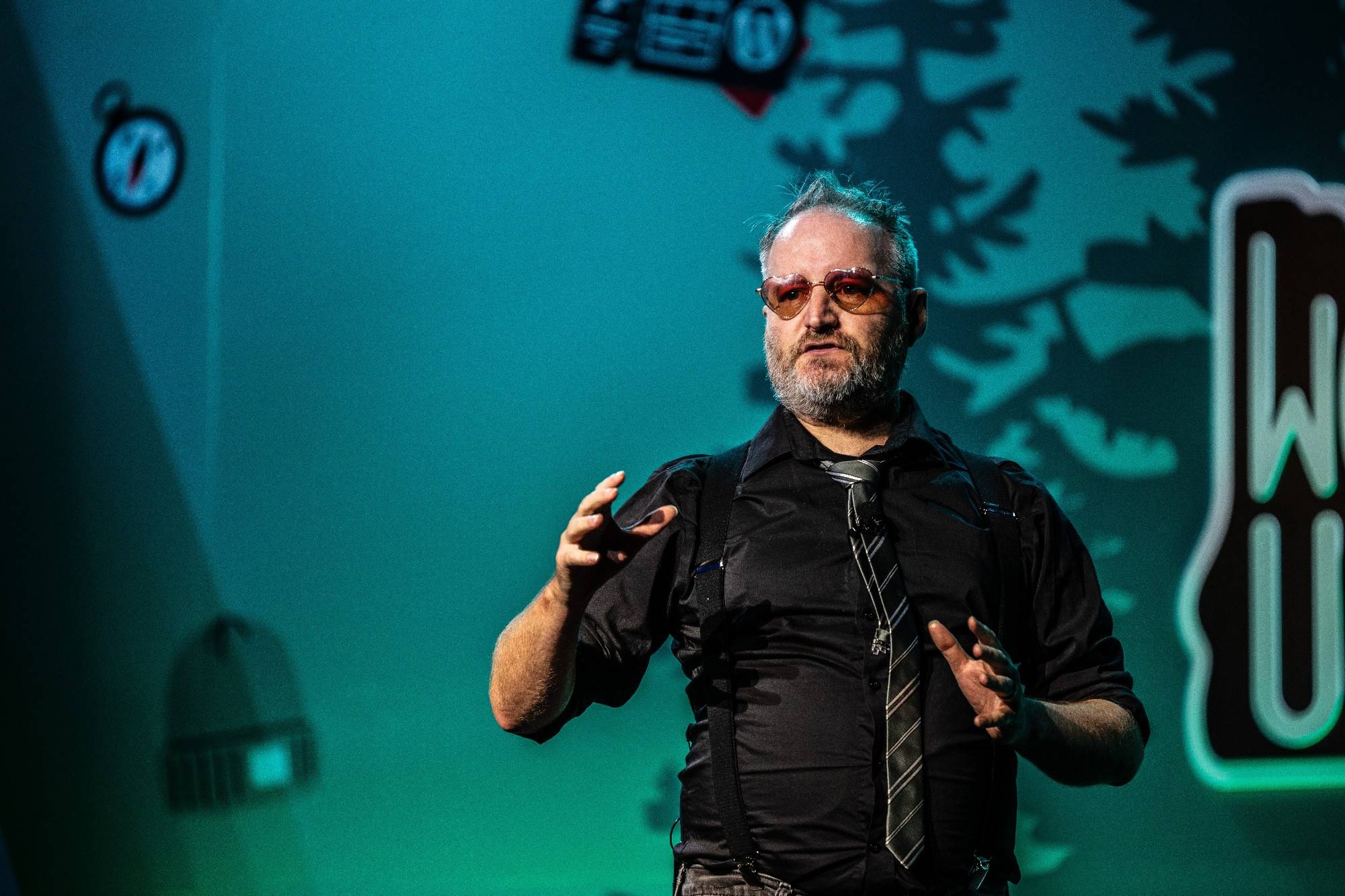
Jen Miller and I got to present on stage how WebDevStudios used our Theme Switcher Pro plugin to iteratively move their website, over time, to Gutenberg. The Full Video is worth a watch.
I plan on jumping back into contributing, as well – I’m scheduling a Workshop with the WordPress Training Team to deep dive into the Query Loop block. More on that in the coming weeks, as things are finalized.
Resources
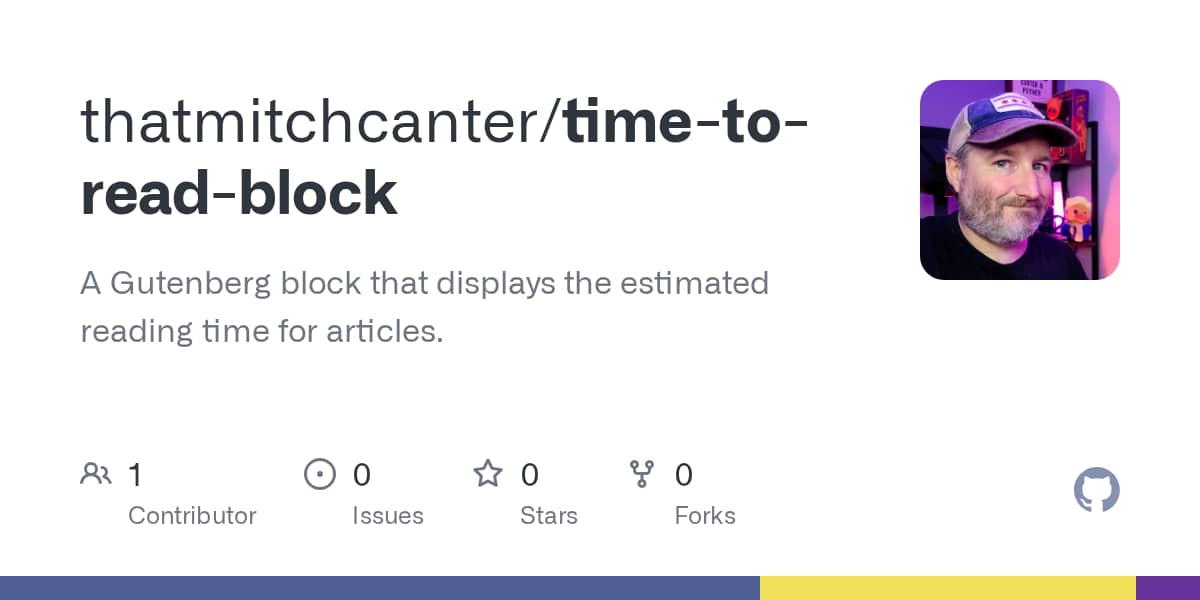
I had a need for a really simple “time to read” block for my new website re-design. So… I created one.
Enter the “Time to Read” block. Drop the block into your Block Editor, and it’ll ask you to define the “words per minute”. That gets divided into the length of your article, and… wha-bam! An estimate on how long your article will take to read.
Tutorials
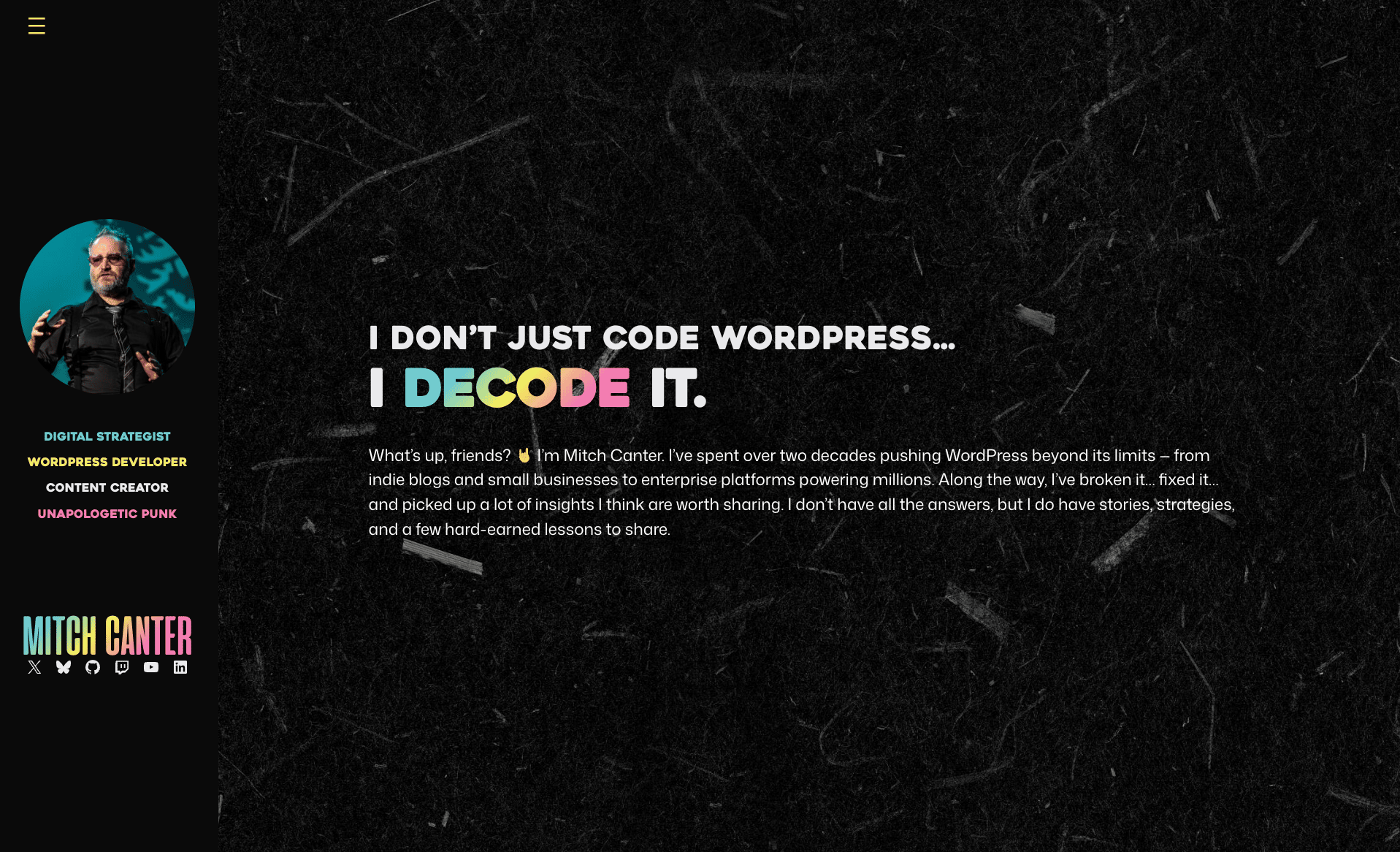
Also with the new website redesign, I had a request to document how I did the rainbow-colored text on page. I wrote a blog post about it.
In Closing
Thanks for reading through issue 1 of our “weekly huddle”. I plan on sending these out every week, and I hope you’ll come along for the ride as we do this, together!
Time to Participate!
What is your favorite WordCamp or conference memory?
Did you enjoy this email? Consider financially supporting Mitch. This means more resources, more emails, and more snarky takes from the WordPress world…
and who wouldn’t want that?